Google introduces Sheets canvas for interactive spreadsheet dashboards
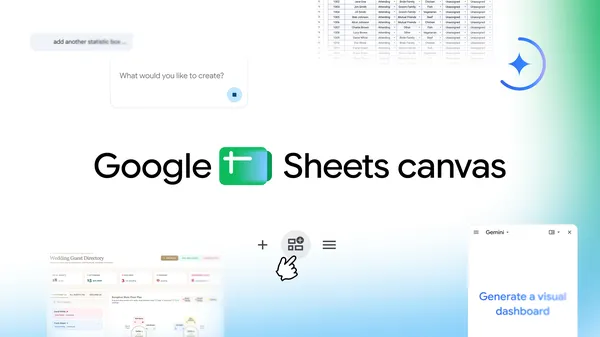
Google has introduced Sheets canvas, a Gemini-powered feature that turns Google Sheets data into interactive “mini-apps.” Users can describe a desired result in natural language, such as a visual study tracker, and Gemini creates a customized interface without requiring formulas or programming.
Sheets canvas works as a read-write layer over the original spreadsheet. Users can arrange, edit and navigate data through a chosen layout, while changes made in the canvas and the sheet are synchronized in real time. Gemini can also be prompted to revise the layout, design or functionality. Because the canvas appears as a tab in Google Sheets, it can be shared like a regular sheet.
Google highlights possible uses including assignment tracking, fantasy football dashboards and wedding seating charts. In the latter example, guests can be moved between tables while the source data remains updated. Sheets canvas is available globally in English to Google AI Pro and Ultra subscribers. The feature is rolling out to Google Workspace customers on Business or Enterprise Standard and Plus plans, and to Google AI Pro for Education add-on subscribers. It can be opened through “Create canvas” in the Ask Gemini side panel.
Written by Sakhanda Wire AI from reporting by Google AI. Facts, quotes and full context are in the original article below.